
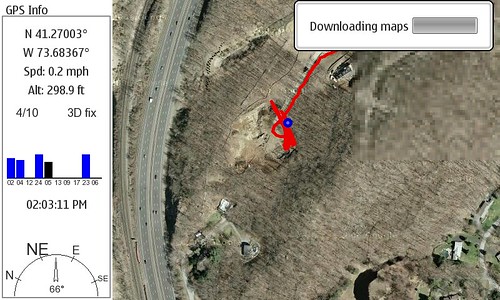
I snapped a screen shot of maemo mapper downloading… and then uploaded to Flickr from the N800!
If you have a bluetooth GPS (I use the Nokia LD-1W) you can get a mobile GPS with Google Maps running pretty easily. The main limitations are the speed of your connection (you download as you go, but can save for future reference) and the strength of your GPS.
I believe a SIRF III device would connect much more quickly than my current GPS, but it works VERY well once it’s active and in sight. It took stopping the car for Maemo Mapper to agree the GPS found us, but from looking at the screenshot Maemo Mapper was tracking my course anyway… very slick.
Technorati Tags: Google Maps, GPS, Maemo Mapper, N-Series, N770, N800, Nokia, Navigation
3 Replies to “Maemo Mapper in Action!”